
Online GST Billing Software That Works on Any Device
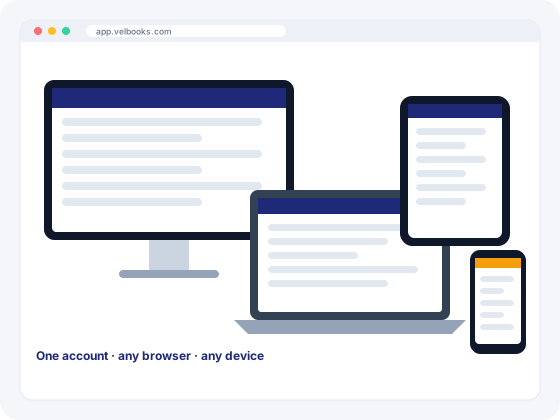
VelBooks runs in your web browser on any device. No downloads, no installation, and your business data is available wherever you are.
Open a browser. Start billing.
VelBooks is web-based (SaaS) software. Your business data lives on our servers instead of a single shop computer, and you reach it through a web browser. That means:
- Nothing to download or install, ever
- Works on desktop, laptop, tablet and mobile
- Use any modern browser: Chrome, Edge, Firefox or Safari
- Check sales and stock from home or while travelling
- New features reach you without reinstalling anything
- Work in the language you prefer
Cloud or offline: an honest comparison
| Cloud (browser) billing like VelBooks | Offline desktop billing | |
|---|---|---|
| Installation | None. Open the website and sign in | Install on each computer |
| Devices | Desktop, laptop, tablet and mobile | Usually the computer it's installed on |
| Internet | Required | Not required for billing |
| Access from home | Yes, from any device | Only with remote access tools or sync |
| Updates | Delivered automatically on the server | Downloaded and installed by you |
| If the PC breaks | Your data isn't stored only on that PC | Depends on your own backups |
The VelBooks web app needs an internet connection and has no desktop download. If your shop's connection is unreliable, keep a mobile hotspot as a backup. If your counter must keep billing when the internet drops, the VelBooks POS add-on works offline and syncs bills when the connection returns.
Tips for a smooth cloud setup
- Use an up-to-date browser on every device.
- Keep a backup connection, such as a phone hotspot, at the counter.
- Use strong, unique passwords and never share your login.
- Add app.velbooks.com to your phone's home screen from the browser menu for one-tap access.
Frequently asked questions
Does VelBooks work offline?
The VelBooks web app is cloud software and needs an internet connection; a normal mobile data or broadband connection is enough. The VelBooks POS add-on for counter billing works offline and syncs later.
Is there a VelBooks Android or iPhone app?
The VelBooks web app works in the browser on Android phones, iPhones and tablets, and you can add it to your home screen from the browser menu. The VelBooks POS add-on for counter billing runs on Android tablets and phones.
Can I use VelBooks on a Mac or Linux computer?
Yes. Because it runs in the browser, VelBooks works on Windows, macOS, Linux and ChromeOS computers.
What is online billing software?
Billing software that runs on the internet instead of being installed on one computer. You sign in through a browser from any device, and your data is available wherever you are.
Run billing, stock and your online store from one app
Sign up at app.velbooks.com and use the full app free for 30 days. Questions first? Call or WhatsApp us.
Or call +91 81472 70720 · admin@finacc.in